- FixedWhen several attachments had the same file name (for example "image.jpg" in each recipe's folder), every note could get the same picture. Each note now gets its own file, the one closest to it, just like in Obsidian.
- FixedAttachments embedded with a relative path (./image.png or ../attachments/image.png) are now found from the note's own folder.
Changelog
What’s new in
Obsidian to Notes.
Stay up to date with the latest features, improvements, and bug fixes for Obsidian to Notes. Each release brings new capabilities to help you seamlessly migrate your notes from Obsidian to Apple Notes.
- FixedImporting again could create a second "Obsidian Import" folder, or duplicate folders inside it.
- FixedIn rare cases a note could end up in Recently Deleted while Apple Notes was still syncing. The temporary "Imported Notes" folder is now removed only when it is really empty.
- FixedNotes with very long titles were sometimes left outside their folder, and links to them did not work.
- ImprovedFaster folder setup in vaults with many folders.
- FixedAttachments whose file names contain "&", apostrophes or accented letters (like é) were not imported.
- FixedInternal links to notes with those characters in their names now work.
- NewNative Apple Notes checklists. Obsidian tasks (- [ ] / - [x]) become real Apple Notes checkboxes, keeping their checked state.
- NewAttachments stay in place. PDFs, images and Word files appear where they are in your note instead of at the end.
- NewPermissions section in the sidebar: Full Disk Access (internal links and native checklists) and Accessibility (lets the app confirm imports in Apple Notes for you), each with an explanation.
- NewImport progress with time remaining.
- NewOriginal creation and modification dates are kept.
- ImprovedMany more internal links are kept, including in vaults where notes link to each other.
- Improved[[Note|alias]], [[Note#Heading]] and links to missing notes are handled.
- ImprovedCallouts, line breaks and checklist formatting.
- ImprovedFaster imports for large vaults.
- FixedSometimes PDF attachments could not be opened in Apple Notes.
- FixedTables disappeared and images were duplicated in notes with attachments.
- FixedNotes containing backslashes failed to import.
- NoteApple Notes asks you to confirm each import step. With Accessibility on, the app confirms for you, and Apple Notes may flash briefly while importing.
- NoteWithout Full Disk Access, internal links are imported as plain text and checklists as ⬜/✅.
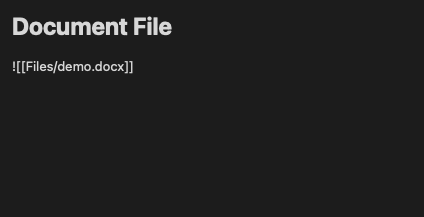
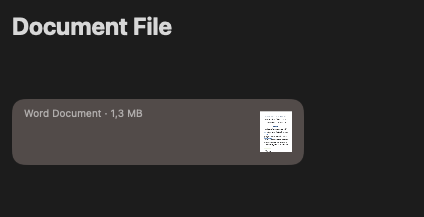
- AddedDOCX attachments are now supported. Notes containing .docx files will include them as proper attachments in Apple Notes
- UpdatedApp icon and branding
- AddedMP4 attachments are now supported. Notes containing .mp4 files will include them as proper attachments in Apple Notes
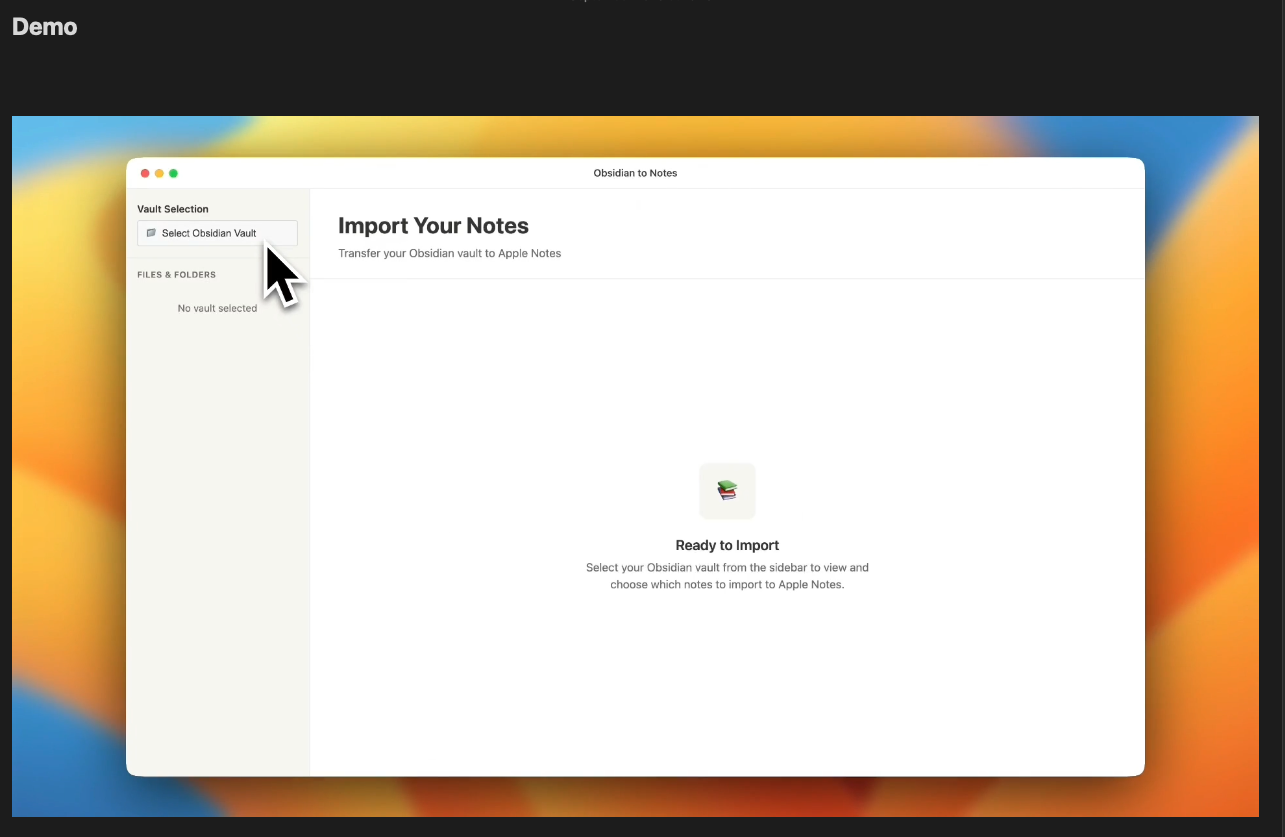
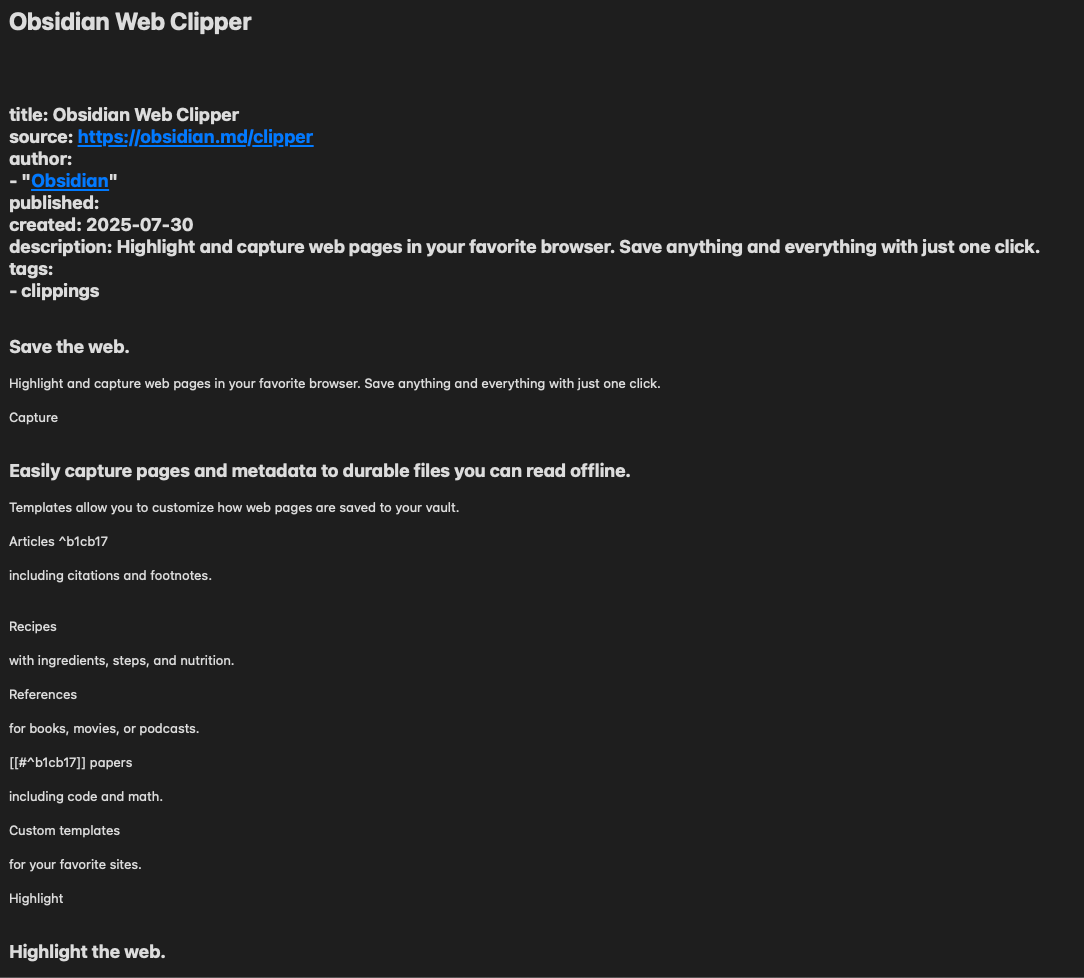
- FixedAnchor-style links (e.g., [[#^some-id]]) are now rendered as plain text rather than exposing raw Obsidian syntax
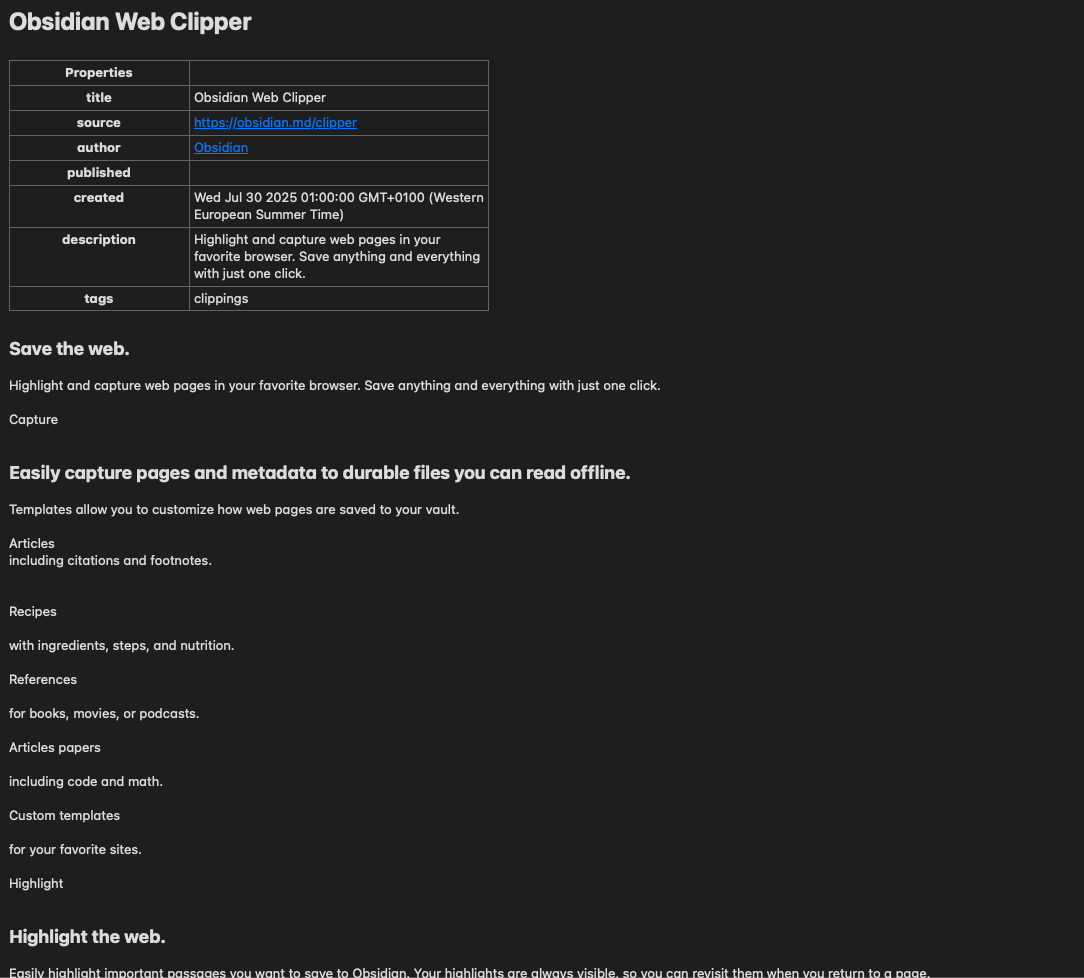
- FixedMetadata blocks (commonly used in web clippings, such as title, source, author, etc.) are now displayed as clean, readable tables instead of unformatted YAML
- NewImport Obsidian notes to Apple Notes with preserved formatting
- NewMaintain folder structure during import
- NewSupport for tables, lists, and text formatting
- NewImage and PDF attachment handling
- NewInternal and external link preservation
- New100% offline processing